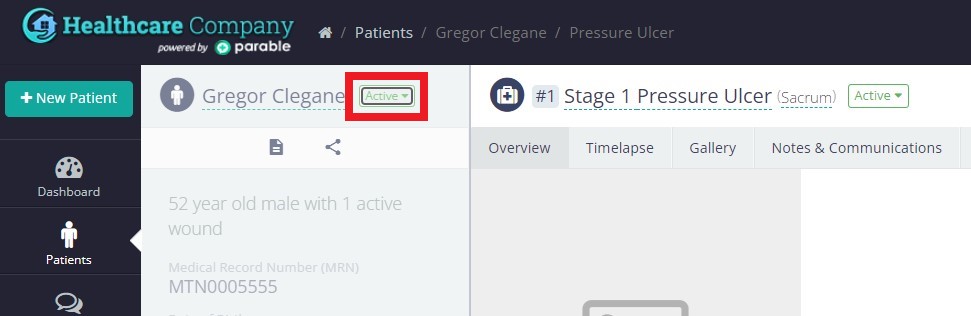
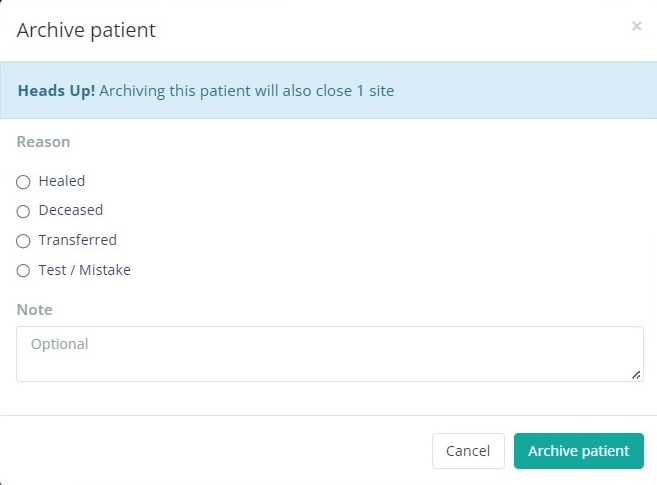
To close or archive a particular case for a patient on the Parable app, follow these steps:
Once logged in, select the patient with the case(s) you want to close to bring up the Patient Profile.
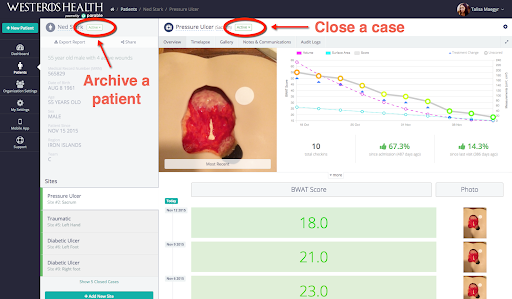
You have the option to close a specific case for a patient, or archive the entire patient record.
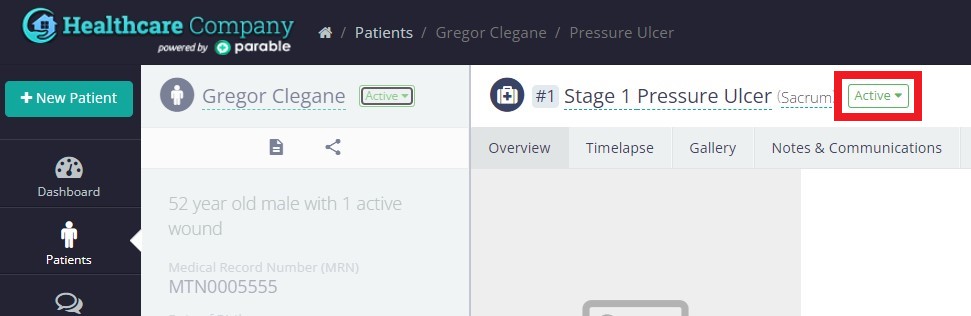
Close a Case
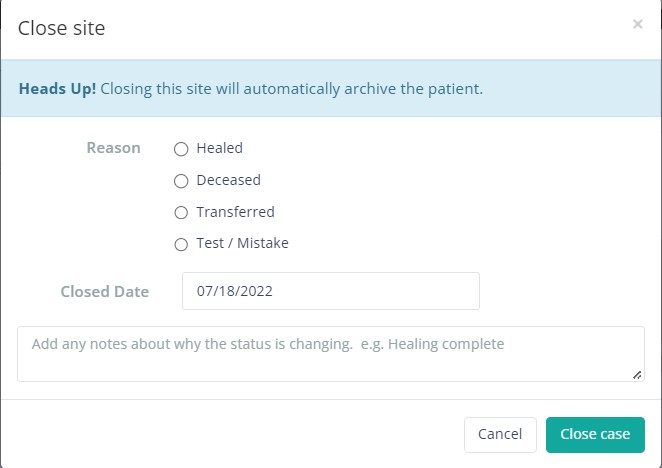
Click the ‘Case Status’ dropdown and you will be prompted with a case close confirmation. Input the reason for the status change and close the case.
Archive a Patient
Click the ‘Patient Status’ dropdown to prompt an “Archive patient” confirmation window. Input the reason for the status change (e.g. patient was discharged), and archive the patient. All cases for this patient will automatically be closed.