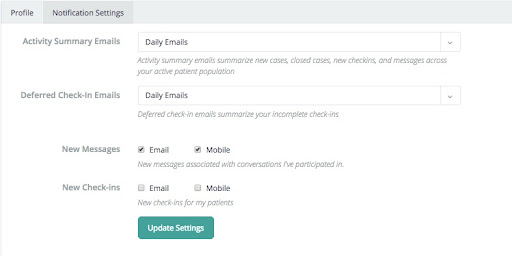
To edit your personal profile information and manage preferences, select "Settings" on the left-hand navigation bar of the Parable web app.
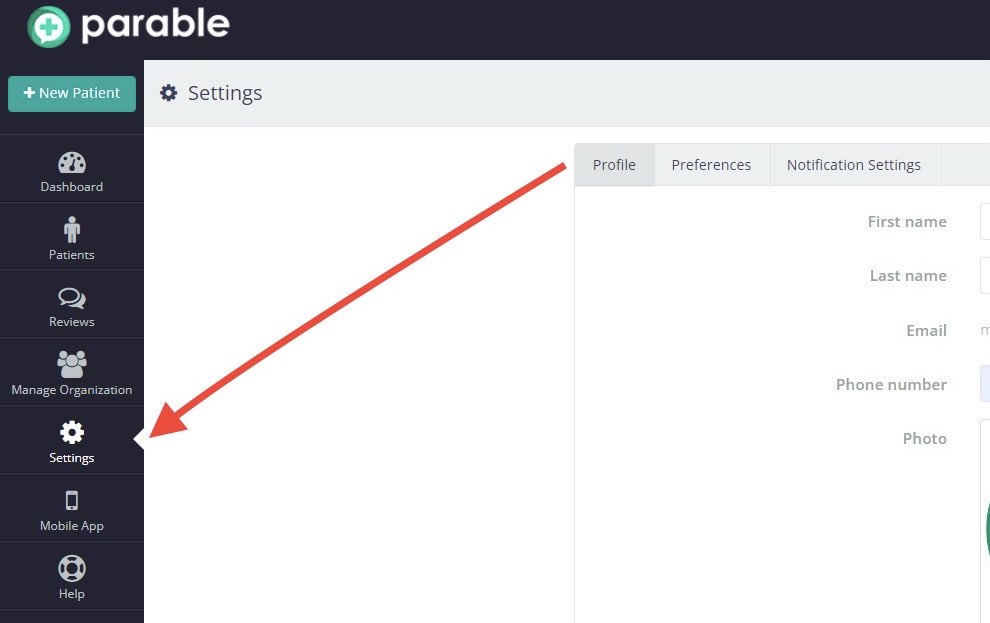
You can edit your name, profile photo, and password on the Profile tab.
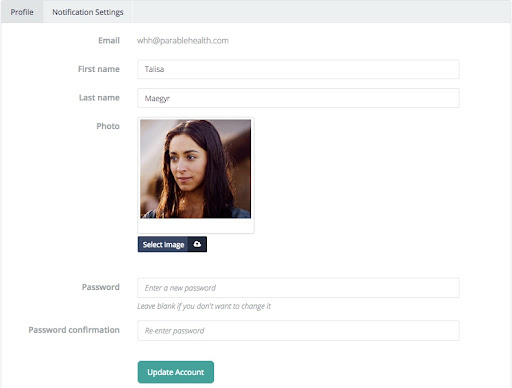
On the Preferences tab you can change the default region of the clinical dashboard.
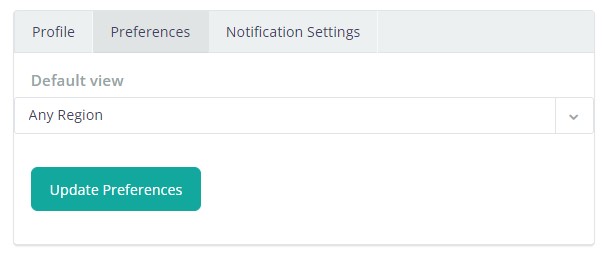
You can edit your email and notification preferences on the Notification Settings tab.