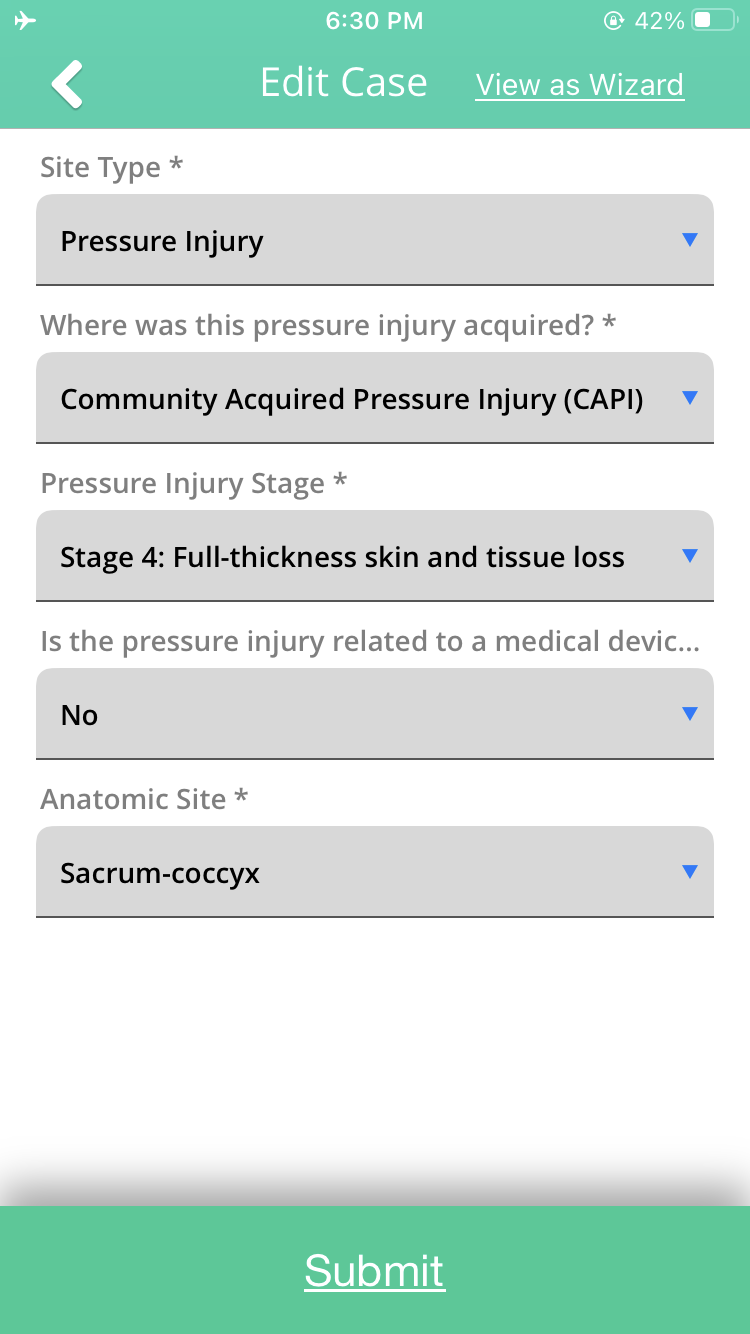
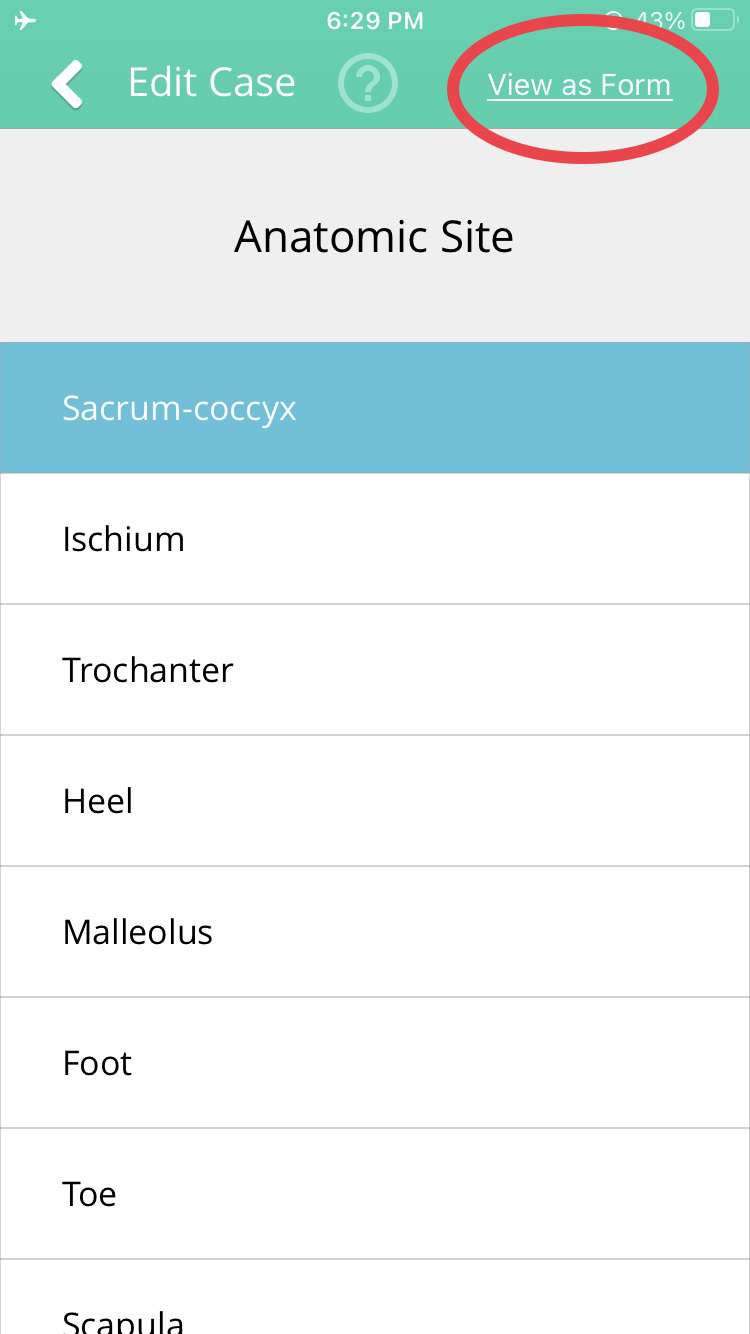
On the Parable mobile app, only cases (assessments of wound/lesion sites) may be edited. Options for editing patients are available on the Parable web app. Appropriate permissions may be required to edit particular patients or cases. The following matrix indicates which platforms support each action:
|
Parable web app |
Parable mobile app |
|
|
Editing Patient Properties |
Yes |
No |
|
Editing Wound/Lesion Site Properties |
Yes |
Yes (iOS only) |
|
Moving and Merging Wound/Lesion Sites |
Yes |
No |
|
Editing Assessments |
Yes |
No |
|
Moving and Deleting Assessments |
Yes |
No |
Note: All actions are captured in the relevant audit logs.
Editing Case (Wound/Lesion Site) Properties
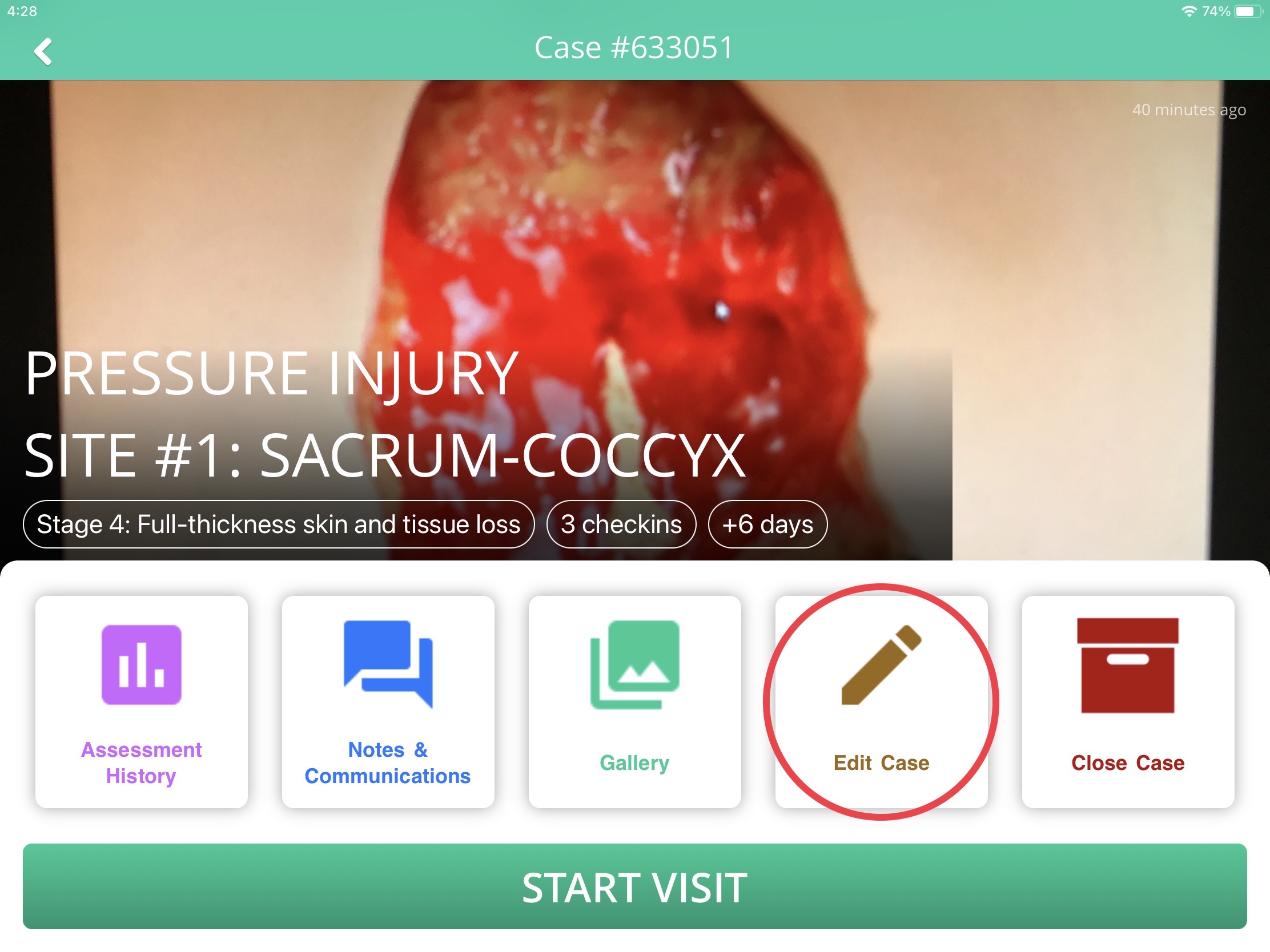
To make changes to an existing wound/lesion site, navigate to the patient's Profile Screen on the Parable mobile app, select a case to bring up the Case View, then tap on Edit Case.
Individual fields can be edited from this screen. The 'View As Wizard' setting can be toggled to switch between a single page 'Form View' or a sequential 'Wizard View.'