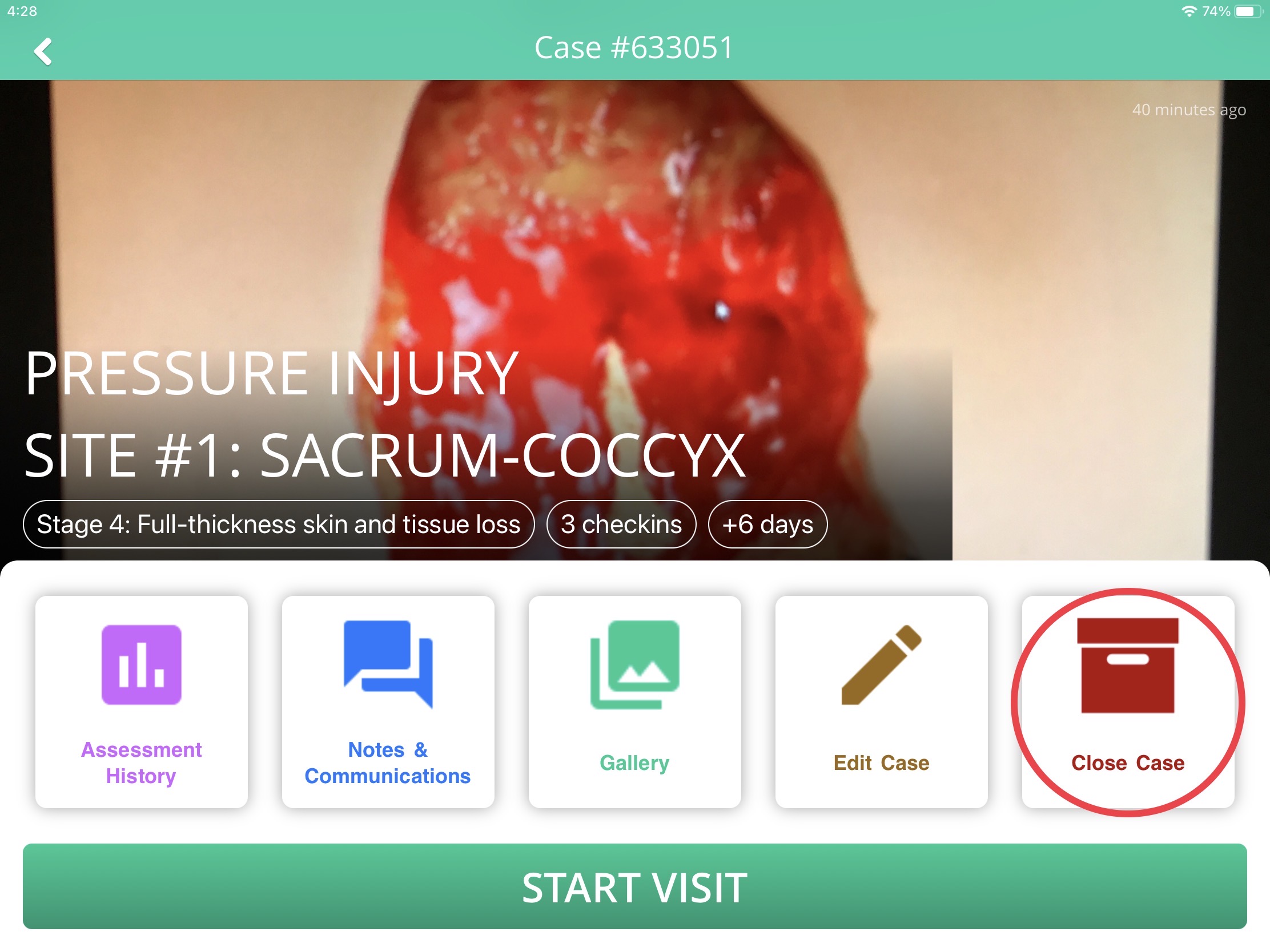
To close a case and archive the associated assessments and photo documentation, navigate to the Case View of the case you'd like to close. Tap Close Case to bring up a prompt and select a reason for closing the case.
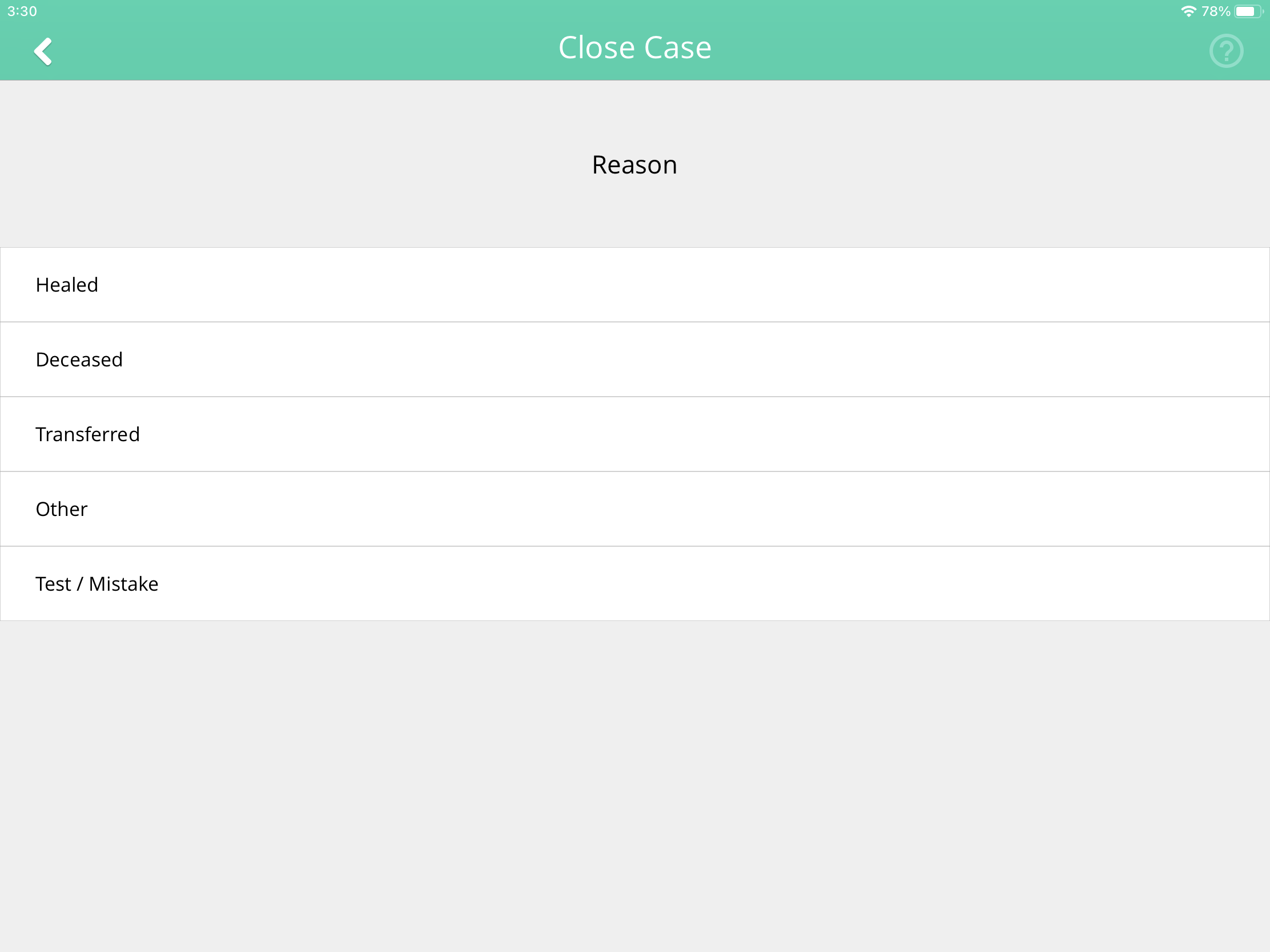
Enter a comment after selecting a reason to finish closing the case. Closed cases will no longer appear on the patient profile screen. Appropriate permissions may be required to close cases.