All users should have received an email invitation to create a Parable password (and download the Parable mobile app, where applicable). Users can access Parable on the web or on mobile devices and tablets.
Open the Parable mobile app, enter your email and password, and tap Log In. If your organization uses SSO, select the corresponding button instead.
If you forget your password, select the Forgot password option. Password reset links are sent via email and are valid for 6 hours before they expire.
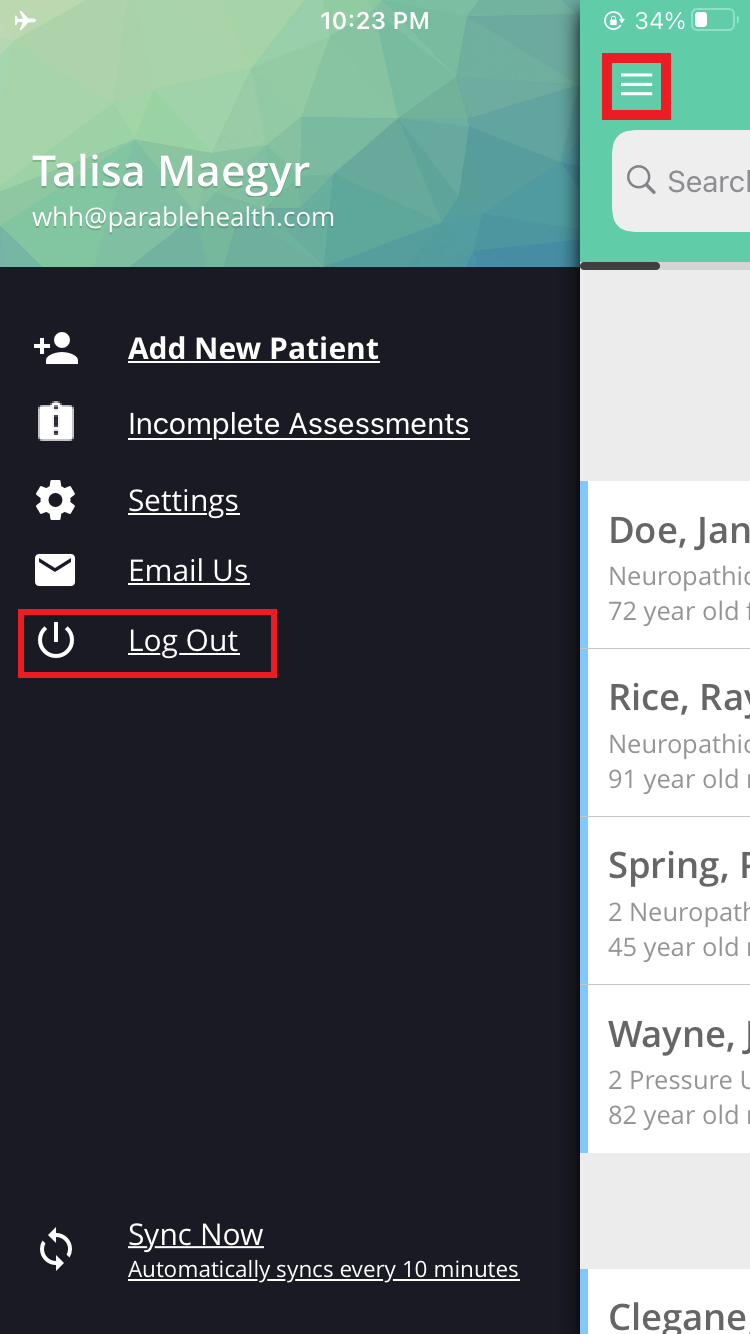
Log out by tapping on the "chest of drawers" navigation icon at the top of the screen and pressing the "Log Out" option.
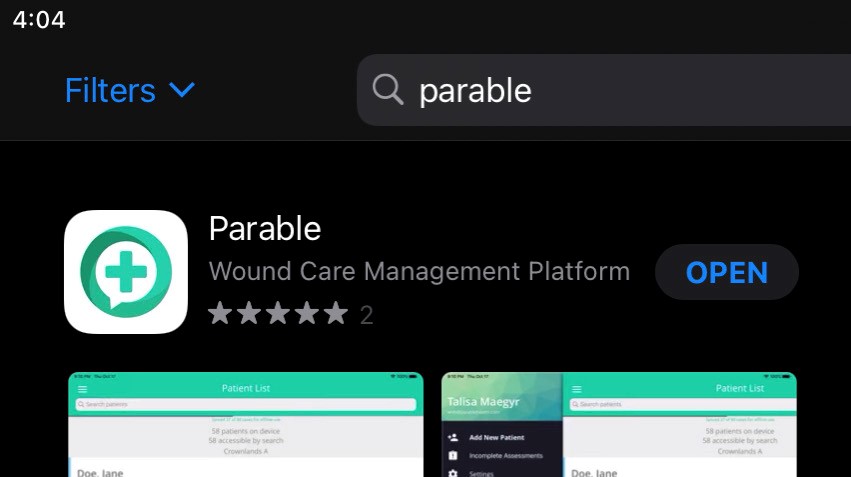
All users should have either downloaded the Parable mobile app or automatically received the app via a mobile device management process. If the Parable app is not already on the device, you can search for “Parable Health” or "Parable" on either the iOS App Store or the Google Play Store, or consult your IT team.
Troubleshooting
Some organizations may have log-in processes unique to their environment.