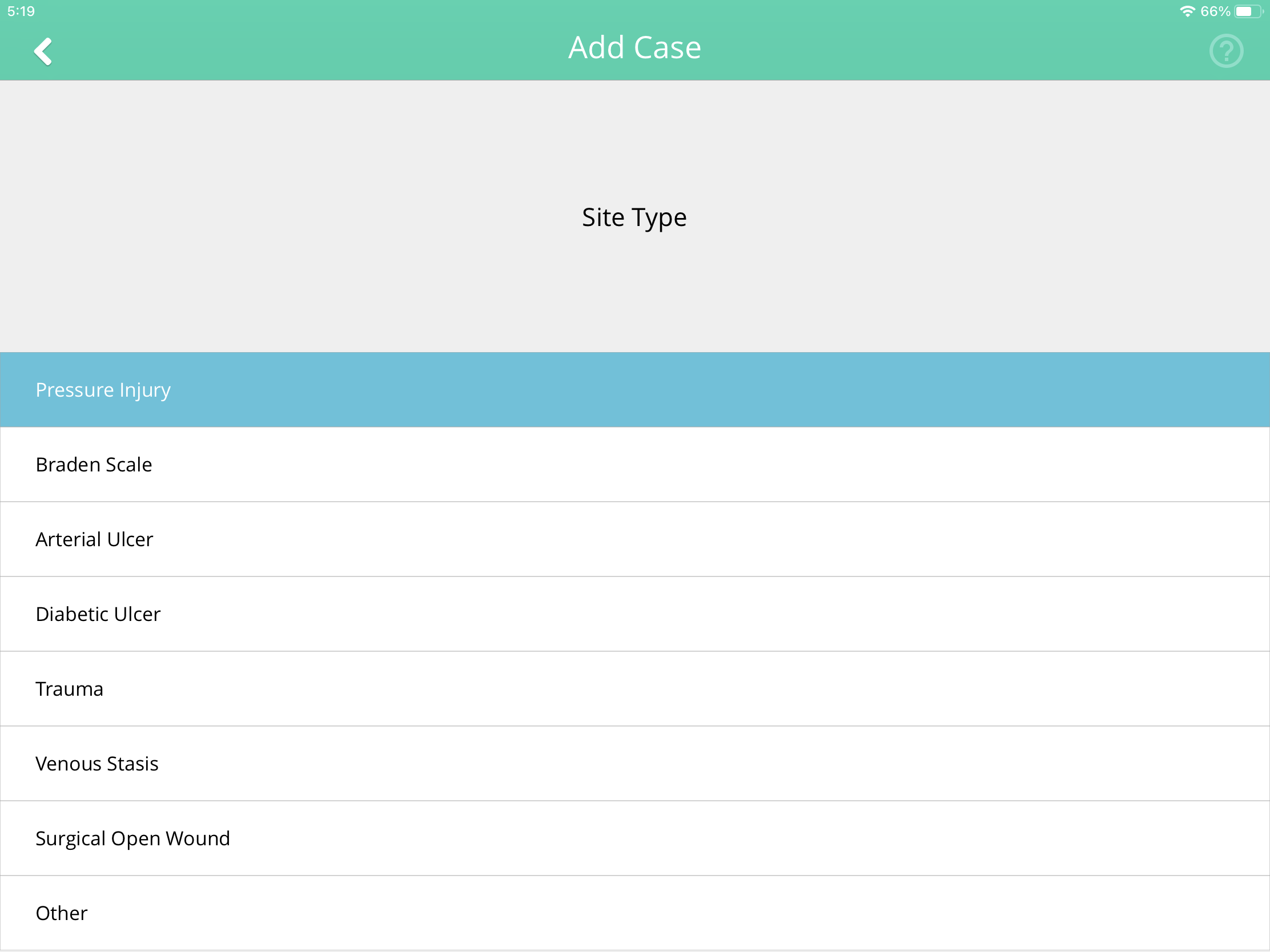
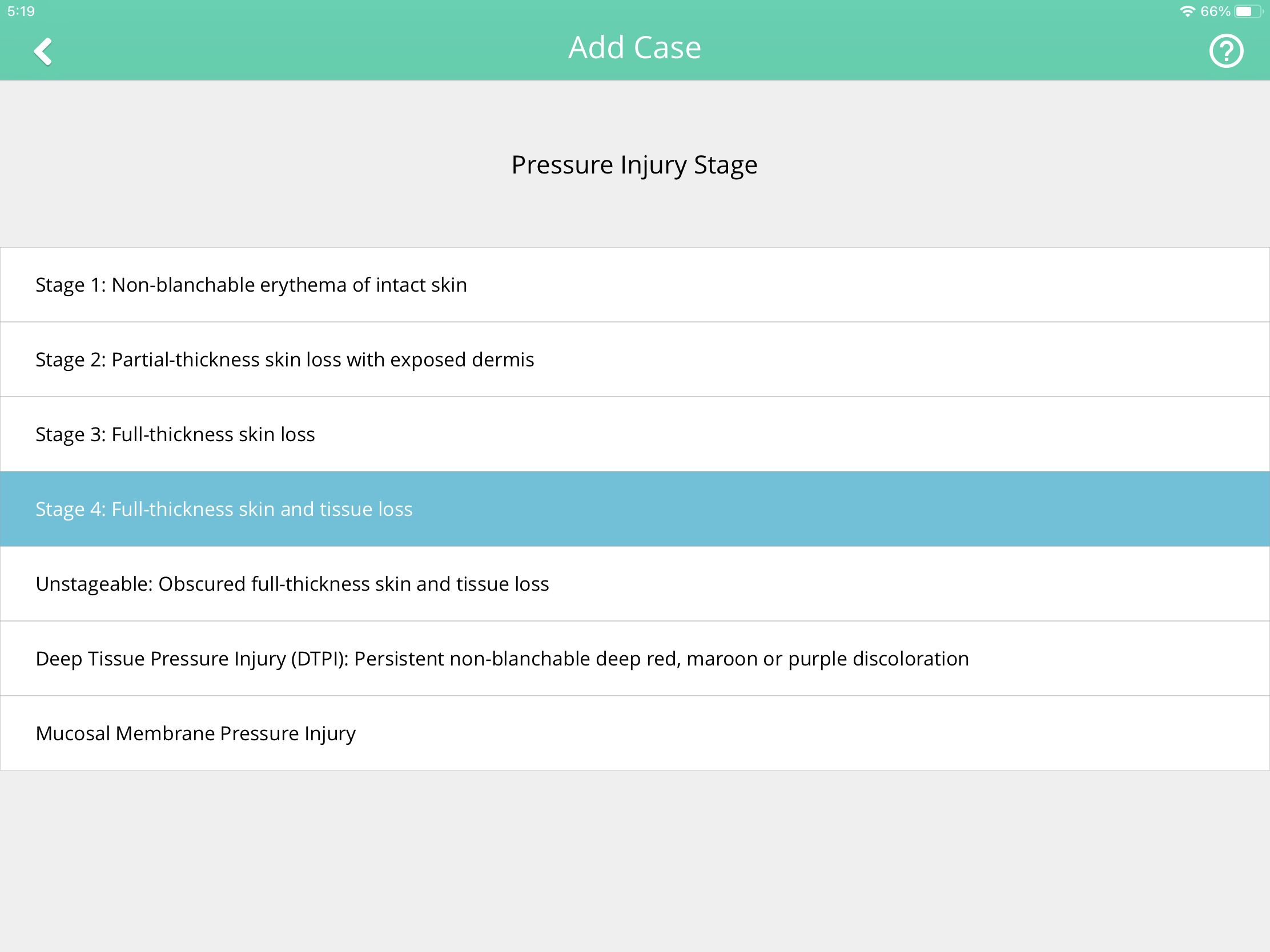
Users can create new patients and add new cases via the Parable web app, or the Parable mobile app.
Adding a new patient
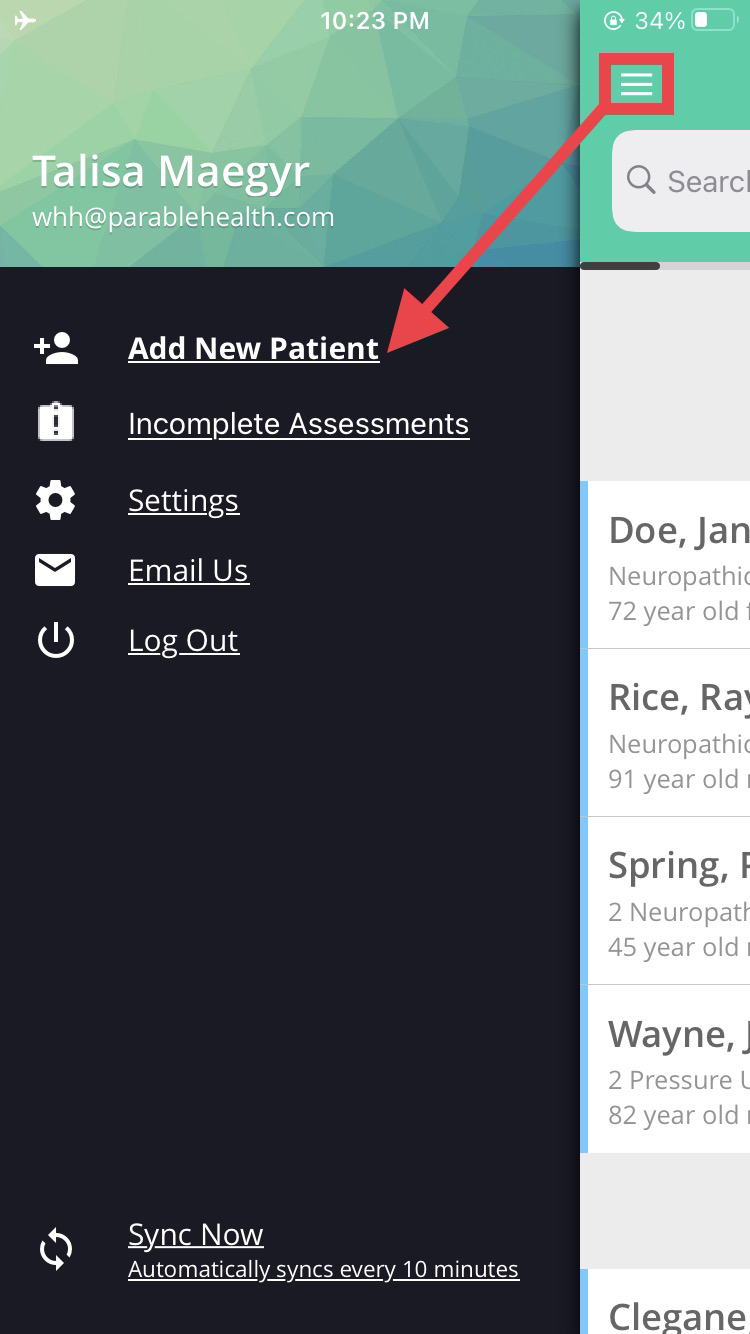
Once logged into the app, tap the navigation "drawer" on the top left corner of the Patient List, then tap the Add New Patient option from the menu on the left.
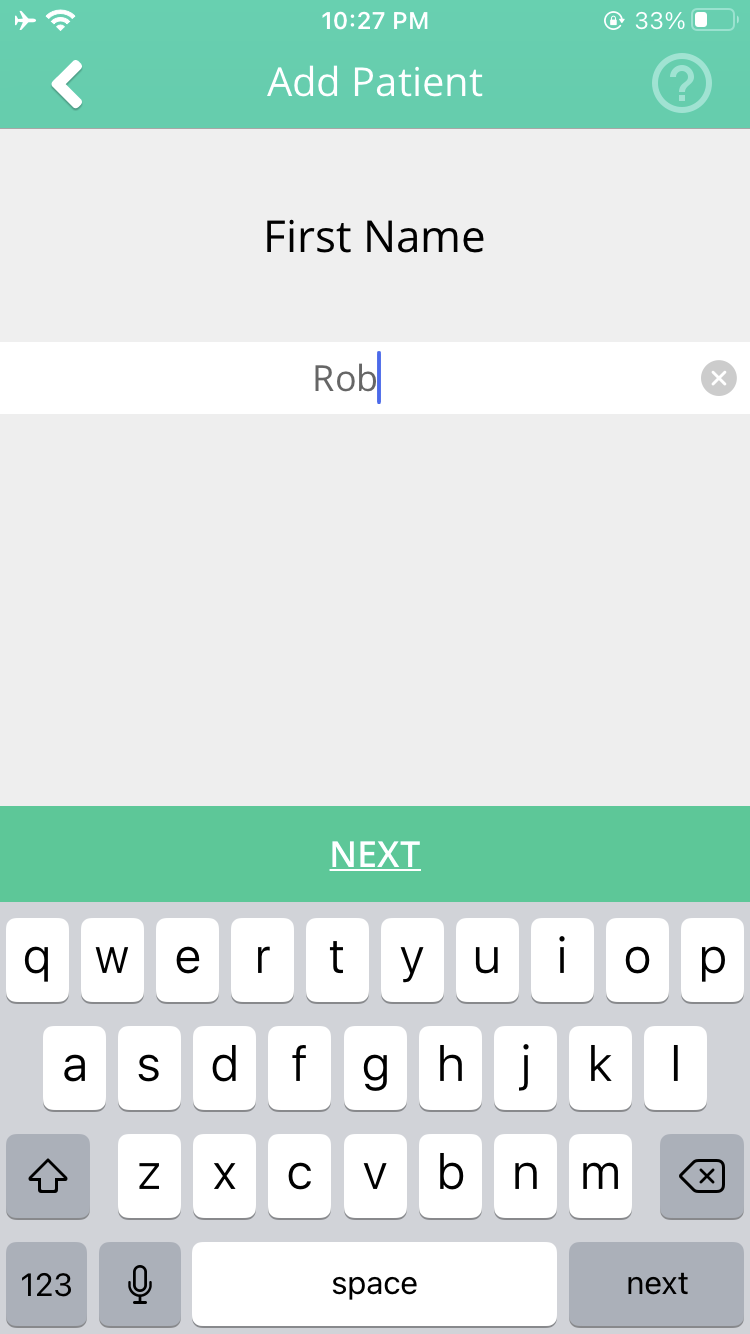
Follow the ensuing prompts to enter all of the new patient's details.
Creating a new case for an existing patient
Select the patient you would like to add a new case for from the Patient List.
On the Patient Profile screen, tap Add New Case at the bottom.
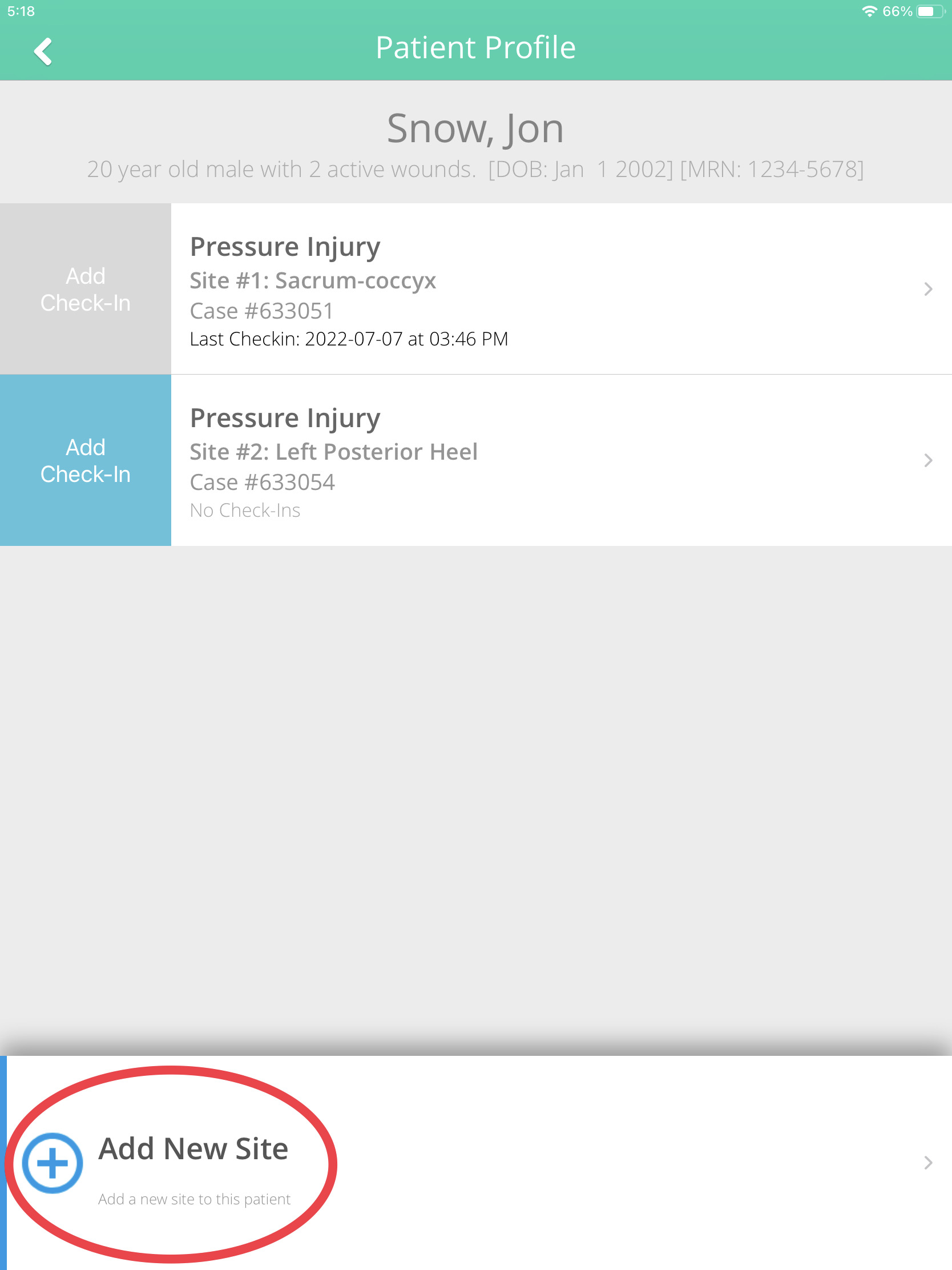
Follow the ensuing prompts to enter new case details.