Regions in Parable can support sub-facets known as Settings, which can be setup to manage 'lists' or groups of patients within your facility's Parable interface. These may refer to physical locations such as satellite clinics, or encompass teams, individual units, service locations, etc.
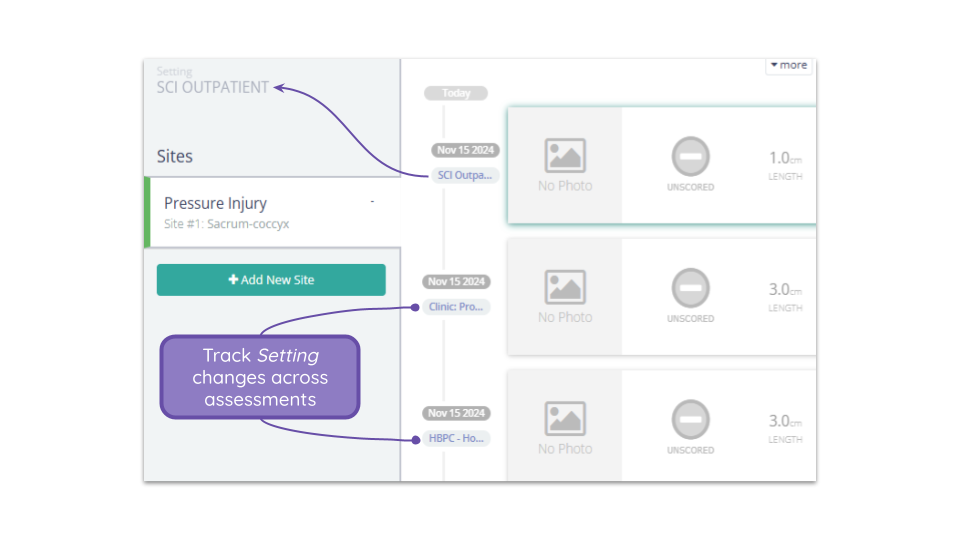
If your Parable Region contains multiple Settings, this value can be updated for patients during an assessment, and will be tracked on the Assessment Timeline.
During an assessment, a question prompt will appear (after imaging and measurements are entered) that allows you to select which Setting the current assessment is taking place in.
An indicator on each row of the Assessment Timeline will display the Setting each assessment took place in, allowing you to better track encounters over time.
If you would like to add or modify Settings within your Parable Region, please reach out support@parablehealth.com.